Gaminia delivers fast-paced rhythm gameplay directly in your web browser with challenging jump timing, neon graphics, and classic Geometry Dash action.
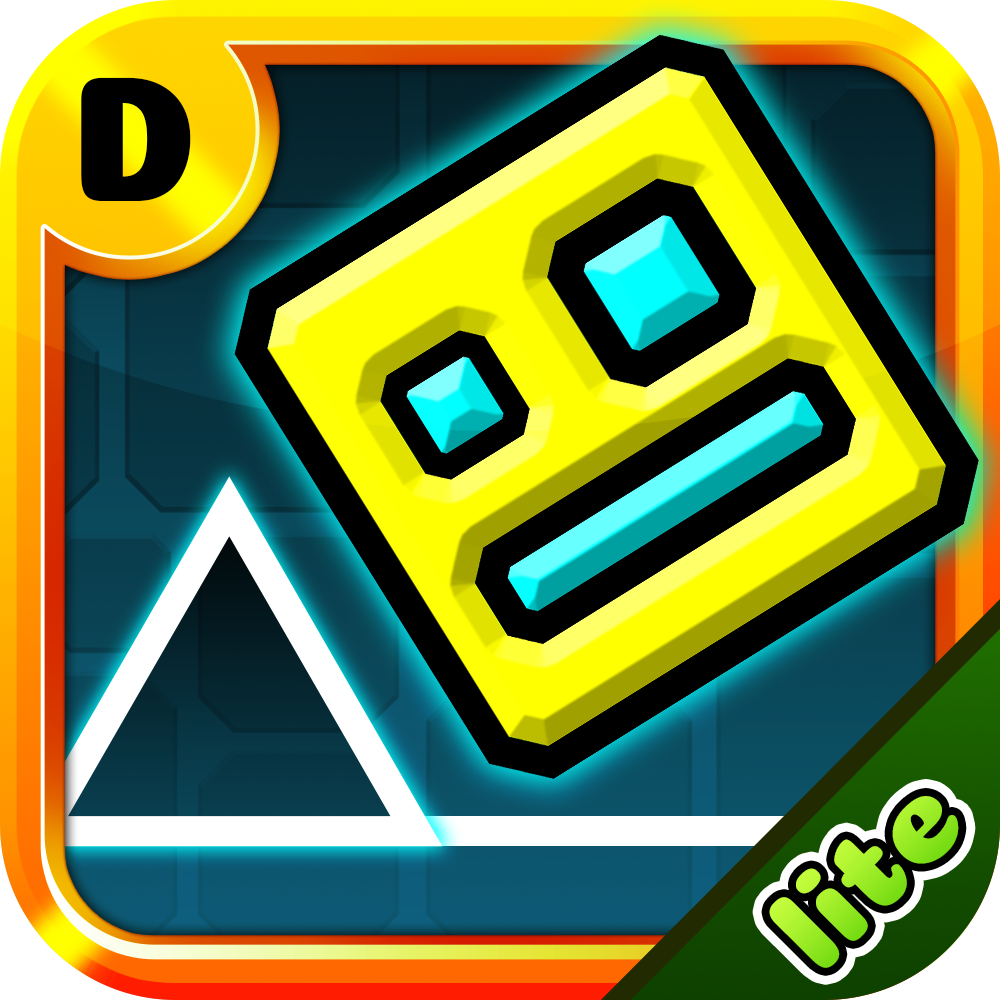
Gaminia is a custom platformer game built around music sync and fast obstacle dodging. You control a small geometric icon that moves forward automatically. Your main goal is simple. You must reach the end of the stage without hitting spikes, sawblades, or solid walls.
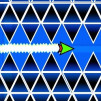
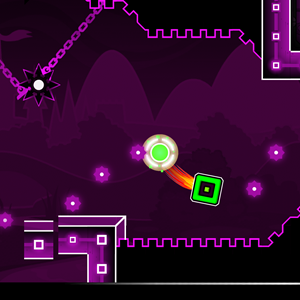
The visual design in Gaminia stands out right away. Darkness fills the background while neon rings, glowing portals, and crisp white castle outlines highlight the path. As you jump, your cube leaves a colorful particle trail behind. The game features both a Normal Mode for full runs and a Practice Mode for learning tight jump timings.
Playing Gaminia requires clean timing and good muscle memory. The controls are simple to learn, but mastering them takes practice. You can control your icon using any of these standard keys:
As your icon slides forward, you will encounter yellow jump rings, blue gravity portals, and red speed pads. Tapping the jump key at the exact moment you touch a ring launches you across large gaps. If you hit an obstacle even once, your square shatters and you restart from the beginning.
Pro tip from my own runs: do not look directly at your cube. Keep your eyes slightly ahead on the screen. Looking forward gives your brain extra milliseconds to react to upcoming sawblades and gravity flips.
You can play Gaminia online directly inside your desktop or mobile browser. Modern HTML5 technology makes the game run smoothly without lag or long loading screens. That means you do not need to install heavy software or pay for game passes.
If you love community creations like Infrunami, Gaminia gives you a similar test of focus and rhythm. It runs well on Chrome, Firefox, Edge, and Safari. Just open your web browser, hit the green play button on the home screen, and start jumping. You can also customize your cube icon before starting a run to give your gameplay a personal touch.
In the Geometry Dash community, level difficulty ranges from Auto to Extreme Demon. Gaminia is rated in the Harder difficulty tier, which makes it similar to popular spinoff levels like Geometry Dash Breeze. It offers a solid step up for players who have already beaten basic beginner maps.
The level layout tests multiple skills at once. In the early sections, you navigate black and white castle buildings with narrow jump corridors. Later on, the stage shifts into a deep purple forest filled with swinging spike chains and hanging sawblades.
There are three secret silver coins hidden along the path. Collecting them requires taking dangerous risky shortcuts instead of the standard main route. If you enjoy exploring custom mechanics similar to Geometry Dash Advance, searching for these three stars and coins adds great replay value to every attempt.
Yes. You can play the full game for free on web browsers without downloading software.
Yes. Practice Mode lets you place diamond checkpoints so you can practice hard sections without starting over.
Yes. The touch controls respond well on modern mobile phones and tablets.
Yes. The level features three hidden silver coins scattered along hidden routes for skilled players.