Geometry Dash Subzero 3D




How to Play Geometry Dash Subzero 3D
Select a level
You can choose one of three available levels arranged in order from easy to difficult: Press Start, Nock Em, or Power Trip.
If you are new to Geometry Dash Subzero 3D, it's recommended to choose Press Start - the most beginner-friendly level.
Navigate obstacles
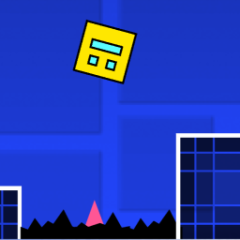
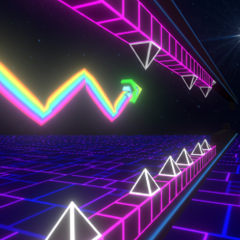
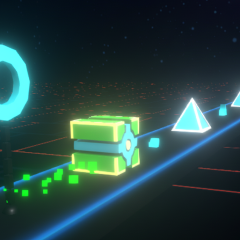
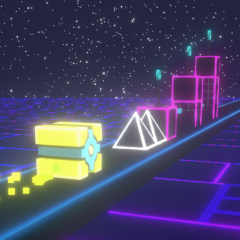
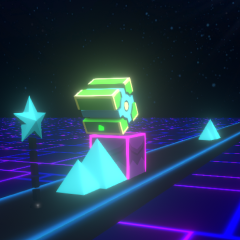
Avoid spikes, walls, and traps by jumping or flying in Geometry Dash Subzero 3D. You must time your jumps with precision, because it's back to the start with just one wrong move.

Therefore, you should stay calm, focused, and consistent to navigate the cube the farthest distance possible.
Controls
On a computer, you press the left mouse button, the up arrow key, or use the spacebar to jump.
On a touchscreen, you tap to jump.
Tips to conquer all levels
Geometry Dash Subzero 3D is designed with a 3D environment, making it more challenging than the 2D version. Therefore, you should practice in Practice Mode to gradually familiarize yourself with the rhythm and traps.
The Practice Mode lets you place checkpoints anywhere along the course when activated. This will help you continue the game from the last checkpoint, making it easier to conquer difficult sections without having to restart the level.
Challenge yourself with Geometry Dash Meltdown 3D and Geometry Dash Breeze 3D, games that feature new graphical elements and more randomly combined obstacles.