Geometry Arrow 3D










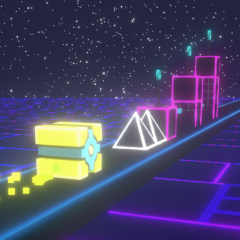
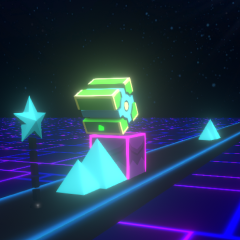
Game overview
Mission
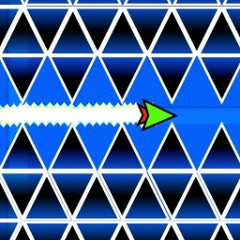
The mission in Geometry Arrow 3D is similar to other Geometry Dash games; you will navigate an auto-aim arrow forward to avoid obstacles that gradually appear in the tunnel. A small collision will shatter your arrow, and you have to start that level again.
How to control
In Geometry Arrow 3D, you use the left mouse button, spacebar, or touch the touchscreen to move the arrow. Since the arrow automatically moves forward, you don't need to control it manually.
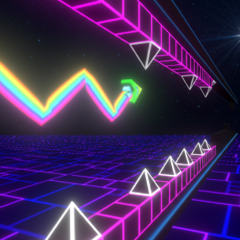
The controls are quite simple, but because the arrow moves quickly and obstacles appear unexpectedly, controlling it can be more difficult.
Fresh game graphics
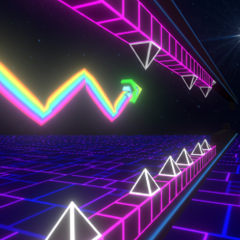
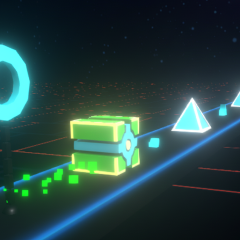
Geometry Arrow 3D is a 3D game, so its graphics are more attractive and smoother than common 2D games. Lighting is focused on key points, including the glowing neon arrow and highlighted obstacles.
Meanwhile, the surrounding environment is darkened to help players focus on the target ahead and dodge obstacles more effectively. The tunnels in the game are also designed to be more open, providing a clearer view and a less cramped feeling. These features will make you relax and enjoy playing Geometry Arrow 3D throughout the game.
Besides this game, you can challenge yourself with the 3D version of Geometry Dash Lite 3D, which has simple graphics but is just as difficult and exciting.