Geometry Dash Breeze 3D










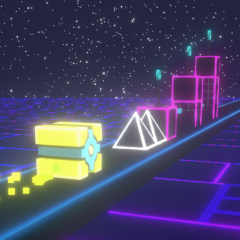
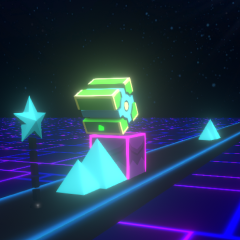
Game overview
How to control
Controls in Geometry Dash Breeze 3D are quite simple, one-touch.
- On a PC, use the left mouse button or press the spacebar to make the square jump.
- On a touchscreen, lightly tap the screen.
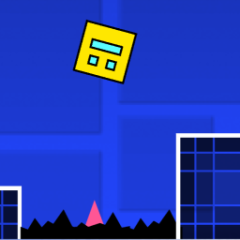
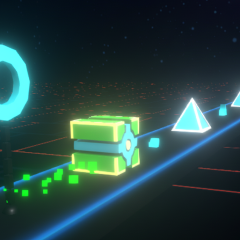
Because the square moves forward automatically, you only need to steer it to jump to avoid obstacles that gradually appear randomly.
Game levels
The levels in Geometry Dash Breeze 3D are still being developed and updated. Each level features tough challenges along long tunnels and different obstacles. Challenge yourself as you conquer each level and reach the teleportation gate to advance to the next level.
Attractive graphics
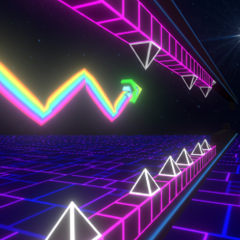
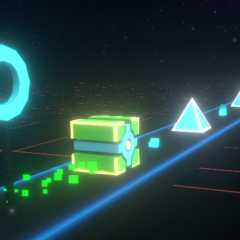
Geometry Dash Breeze 3D not only features spikes and barriers but also provides warnings to help players pay attention when approaching the next obstacle. The clouds in the sky add to the game's appeal but can also be a distracting element that causes you to lose focus.
The game introduces new obstacles, such as dinosaur heads, rainbows, or thin knife blades that shatter the square blocks, forcing you to restart the level.
You can try playing Geometry Arrow 3D or Geometry Dash Lite 3D with the same 3D graphics to compare the differences between them.