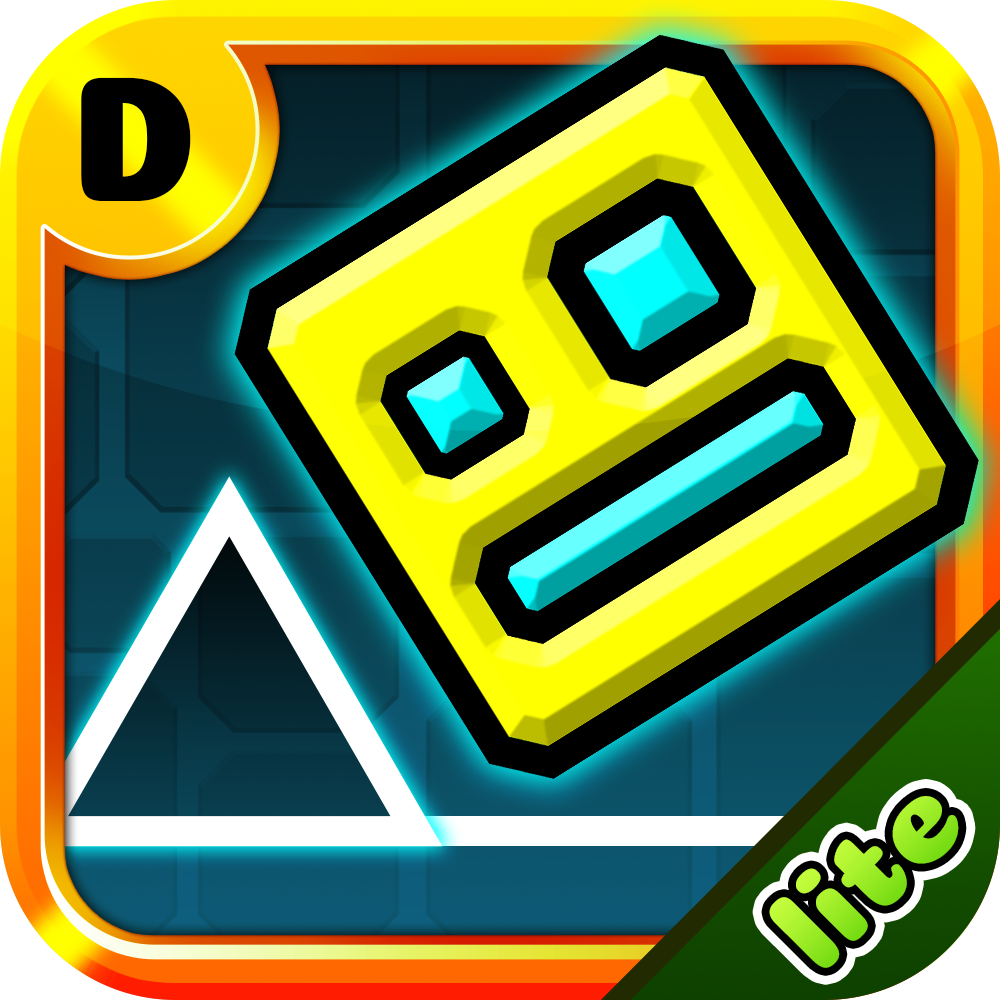
Imagine combining the ultimate sandbox world with the most frustratingly addictive rhythm game. That is exactly what you get here. Minecraft Geometry Dash brings the iconic retro cube into a 2D pixelated survival course. You do not just build anymore. Now, you survive by keeping the beat.
As a long-time browser game fan, I first thought this was just another lazy skin. I was wrong. The game captures the exact tension of the original Geometry Dash but wraps it in a beautiful, nostalgic Minecraft theme. You will see creepers, familiar blocks, and classic green landscapes. The music pumps through your speakers. Your heart beats faster with every second. It is simple, clean, and incredibly hard to put down.
The rules are straightforward, but execution is everything. Your character automatically slides from left to right at a constant speed. Spikes, lava pits, and high walls stand in your way. If you touch even a single pixel of an obstacle, you blow up. You instantly reset to the very beginning of the stage.
The rhythm of the background music dictates the layout of the map. When the bass drops, expect a chain of rapid obstacles. I highly recommend playing with headphones on. Listening to the audio cues makes it much easier to time your inputs.
You only need one action to survive: jump. However, the game gives you a few flexible options depending on your playstyle:
Personally, I prefer using the Spacebar. It gives me a more tactile feel during intense, rapid-fire jumping sections. If you experience minor browser lag, try switching to Left-Click. It sometimes responds a millisecond faster on older PCs.
It is all about the 'just one more try' feeling. The stages are unforgiving. You will crash. You will crash a lot. In fact, my first run ended in less than five seconds because I misjudged a basic spike. But the instant respawn mechanic keeps the adrenaline flowing. You do not wait around for loading screens. You fail, you learn, and you try again immediately.
Furthermore, the visual style keeps you hooked. It feels like a real side-scrolling Minecraft adventure. The developers nailed the physics too. The jumps feel heavy yet precise. It requires the same hyper-focus as Geometry Dash Extrapolation, where every single micro-movement decides whether you win or lose.
After crashing hundreds of times, I discovered a few patterns that will save your sanity. Here is how you conquer the toughest parts: